jupyter

JupyterLab 4.5 and Notebook 7.5 are available! JupyterLab 4.5 has been released! This new minor release of JupyterLab includes 51 new features and enhancements, 81 bug fixes, 44 maintenance tasks and …
Codes/Notebooks for AI Projects. Contribute to Marktechpost/AI-Tutorial-Codes-Included development by creating an account on GitHub.

In this article, we will explore seven different Jupyter Notebook extensions that will improve your work.
JupyterLab 4.4 has been released! This new minor release of JupyterLab includes 28 new features and enhancements, 76 bug fixes, 63 maintenance tasks and 34 documentation improvements. There were 56…
Explore this post and more from the Jupyter community

Posted by mehul_gupta1997 - 8 votes and 0 comments
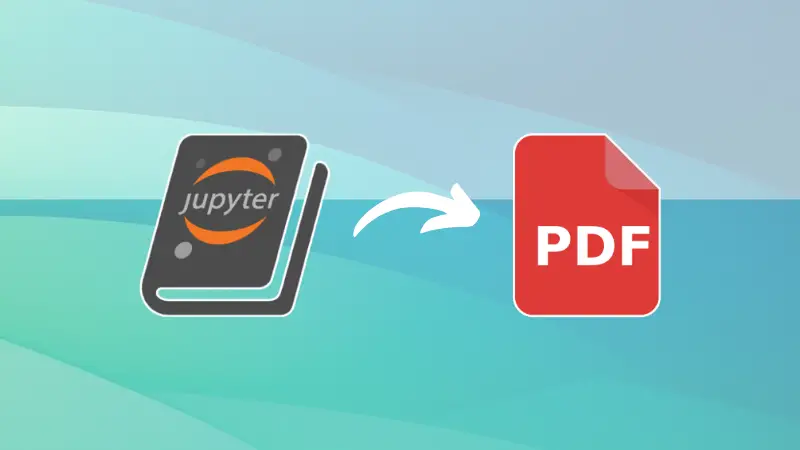
You cannot share Jupter Notebook's ipynb files with everyone. However, if you convert it to PDF, sharing becomes easier. Here's how to do it.
JupyterLab 4.3.0 and Notebook 7.3.0 have been released! These new minor releases include many enhancements and bug fixes.

The digital age demands for automation and efficiency in the domain of software and applications. Automating repetitive coding tasks and reducing debugging time frees up programmers' time for more strategic work. This can be especially beneficial for businesses and organizations that rely heavily on software development. The recently released AI-powered Python notebook Thread addresses the challenge of improving coding efficiency, reducing errors, and enhancing the overall coding experience for both beginners and experienced programmers. Traditional coding environments often require significant investment in writing boilerplate code, debugging, and understanding complex syntax, which can be daunting for beginners and time-consuming for experts.
JupyterLab 4.1 and Notebook 7.1 are now available! These releases include several new features, bug fixes, and enhancements for extension…

I trying to use virtualenv on jupyter notebook, to use all packages installed in an environment, but inside jupyter they are not recognized. Already tried: pip install tornado==4.5.3 pip install

Shared via ChatGPT

Do you use Python, Pandas, and Seaborn to collect, analyze, and plot data? Then you'll be amazed by what ChatGPT can do, when using ChatGPT+, GPT-4 model, and the plugin for Noteable's version of Jupyter notebooks. [UPDATE/NOTE: This was my first summary of Noteable and ChatGPT. I have done more experiments, which you can see here: https://www.youtube.com/watch?v=2WUZ0b-hUDU] In this video, I show you how I got things set up for using Noteable (and world headlines), then put together a query, You'll see how it goes well, where it goes wrong, and what sort of code I can create using just English-language descriptions of my plans. And I show you what's happening behind the scenes, as we see the JSON being written. This is all brand new and exciting, and I hope that you'll post suggestions and ideas in the comments for how we can take this even further! And if you're interested in analyzing data with Pandas, check out Bamboo Weekly at https://www.BambooWeekly.com/, where I look at current events through the eyes of data analysis.
A much overlooked way to save some time.
Unlock the full potential of Jupyter Notebook with expert tips and techniques, including time-saving shortcuts, powerful magic functions, and advanced features, to boost your productivity.
Voilà turns Jupyter notebooks into standalone web applications
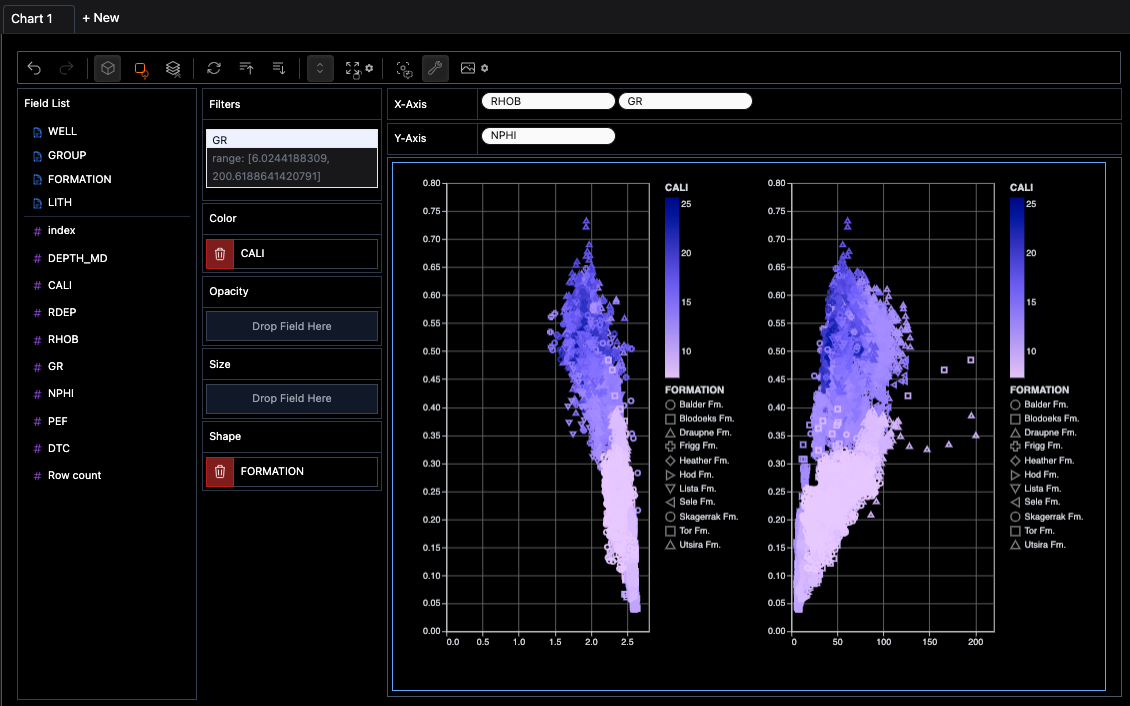
An Introduction to the PyGWalker Library for Easy Data Visualisation
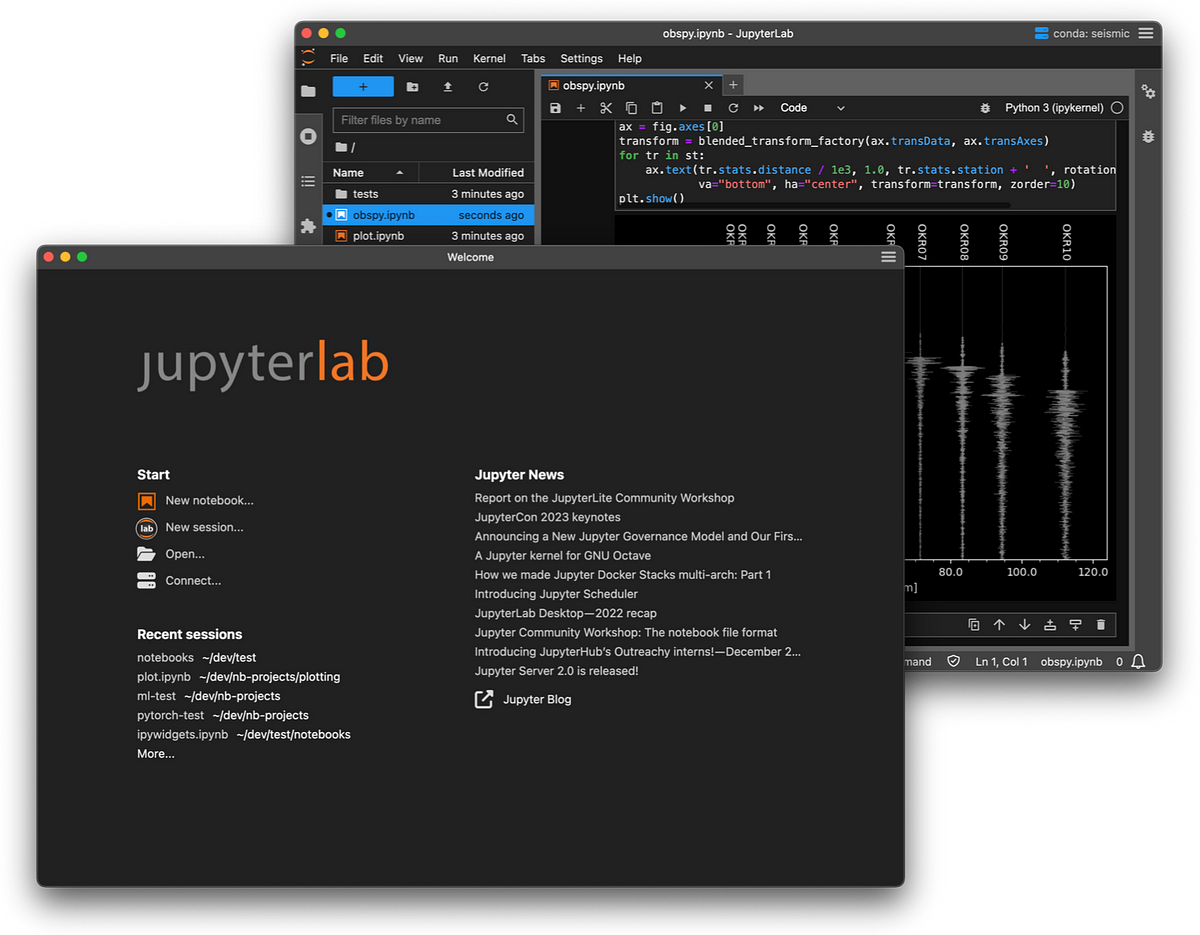
We are pleased to announce a major update to JupyterLab Desktop which adds many new features with main focus on the user experience…
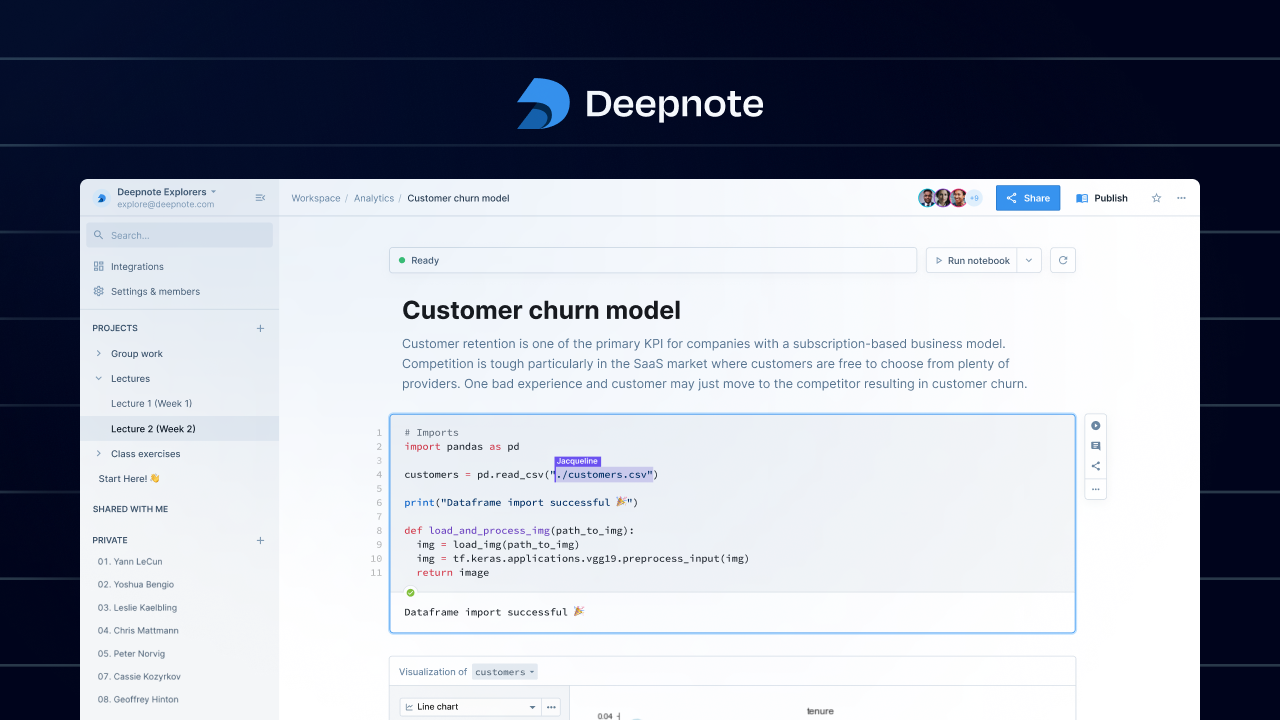
Explore data with Python & SQL, work together with your team, and share insights that lead to action — all in one place with Deepnote.

I have to conclusion how to setup MongoDB (NoSQL) with Jupyter Notebook by summary step like...

Project Jupyter provides a broad collection of open-source tools for interactive computing that has become ubiquitous in data science and…
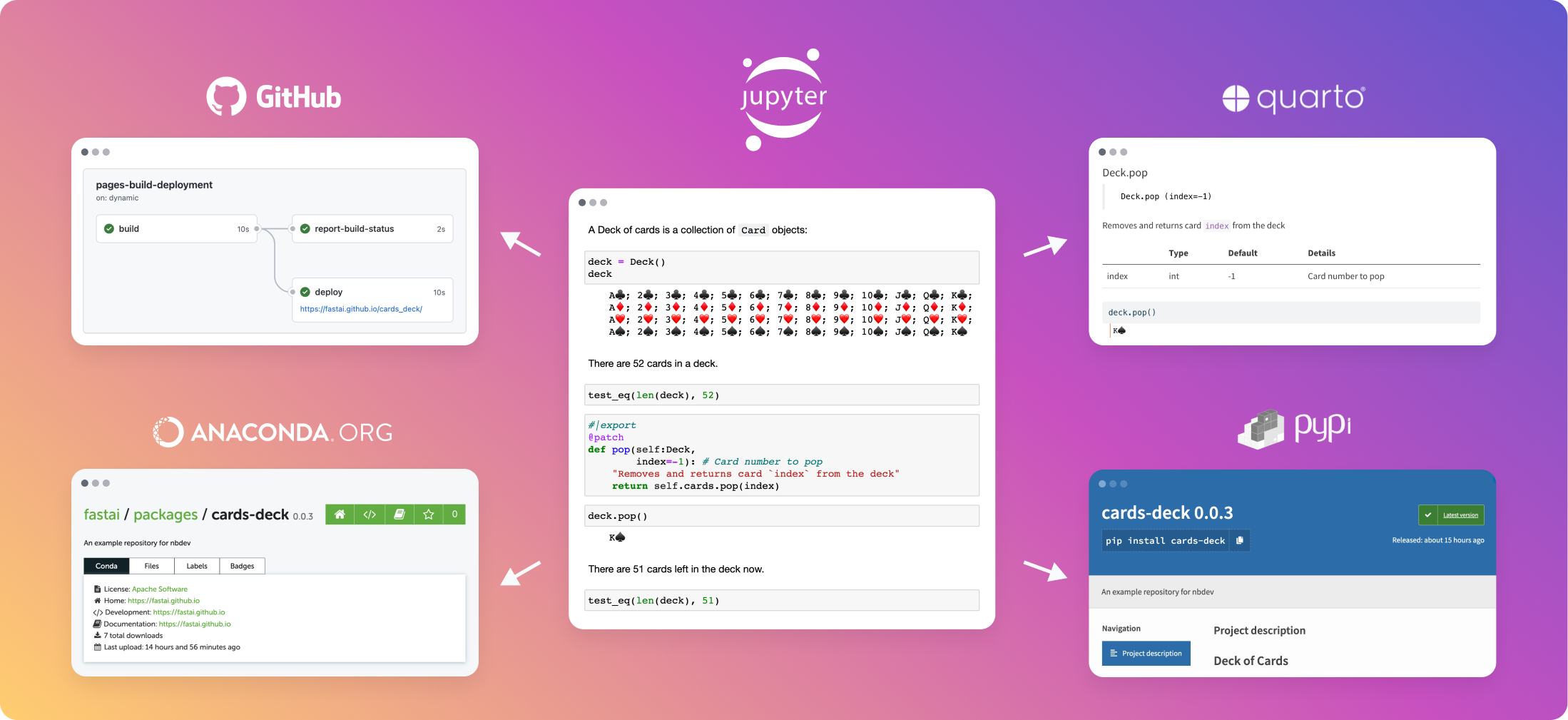
Write, test, document, and distribute software packages and technical articles — all in one place, your notebook.
Create delightful software with Jupyter Notebooks
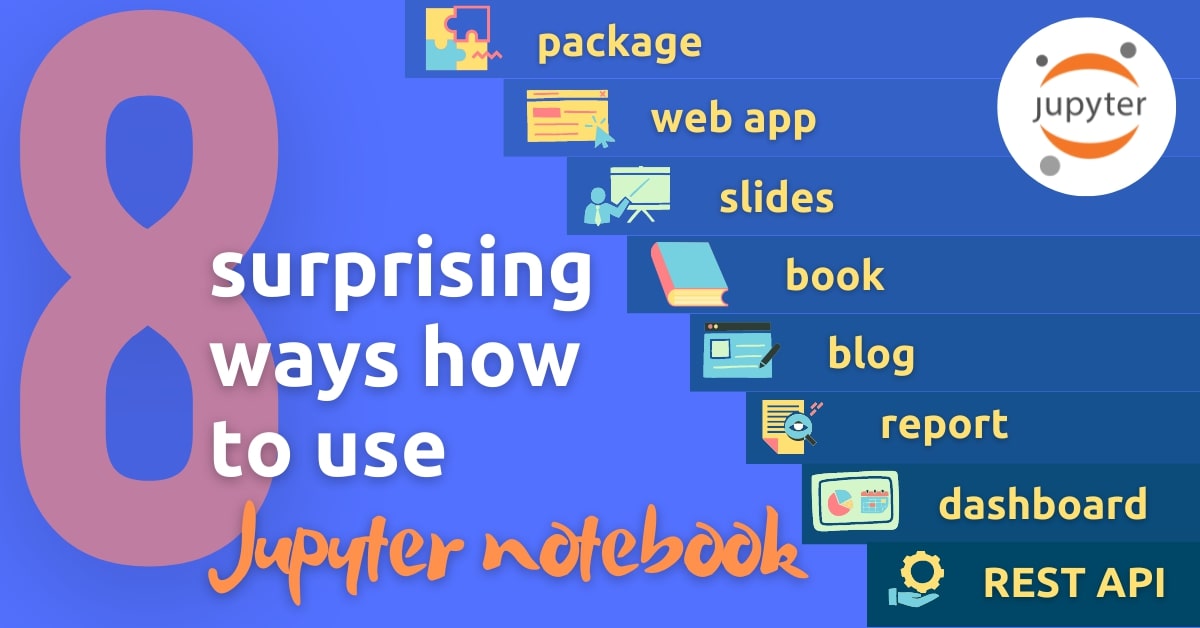
Explore the Jupyter Notebook beyond its traditional use. Discover 8 alternative ways to utilize this versatile tool, making it even more powerful for coding, experimentation, and collaboration.
How to create parameterized Jupyter Notebooks with Papermill
R kernel for Jupyter.
Practical tips to enhance your workflow documentation
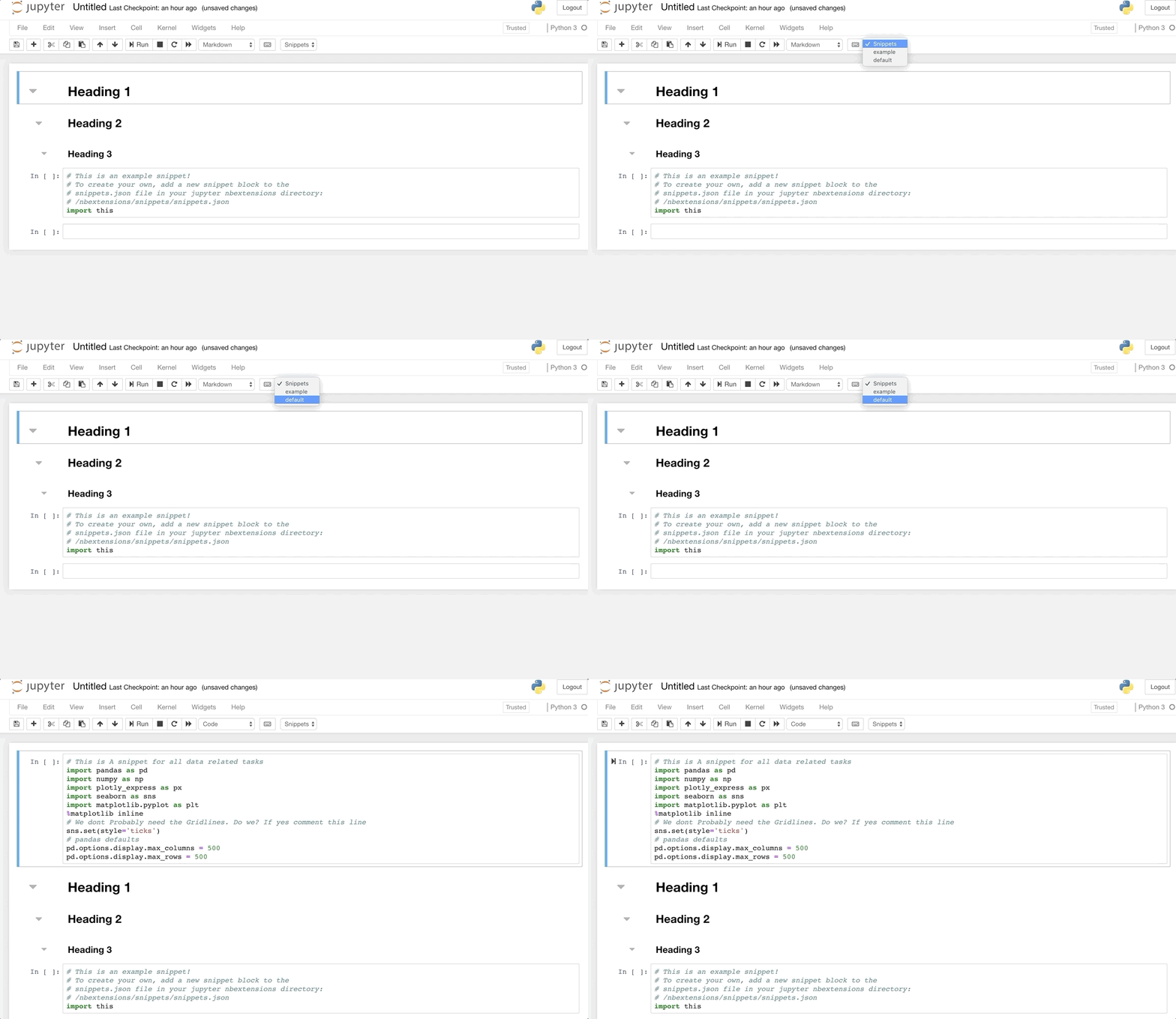
I love Jupyter notebooks and the power they provide.They can be used to present findings as well as share code in the most effective manner which was not easy with the previous IDEs.Yet there is something still amiss.There are a few functionalities I aspire in my text editor which don’t come by default in Jupyter.But fret not. Just like everything in Python, Jupyter too has third-party extensions. This post is about some of the most useful extensions I found.
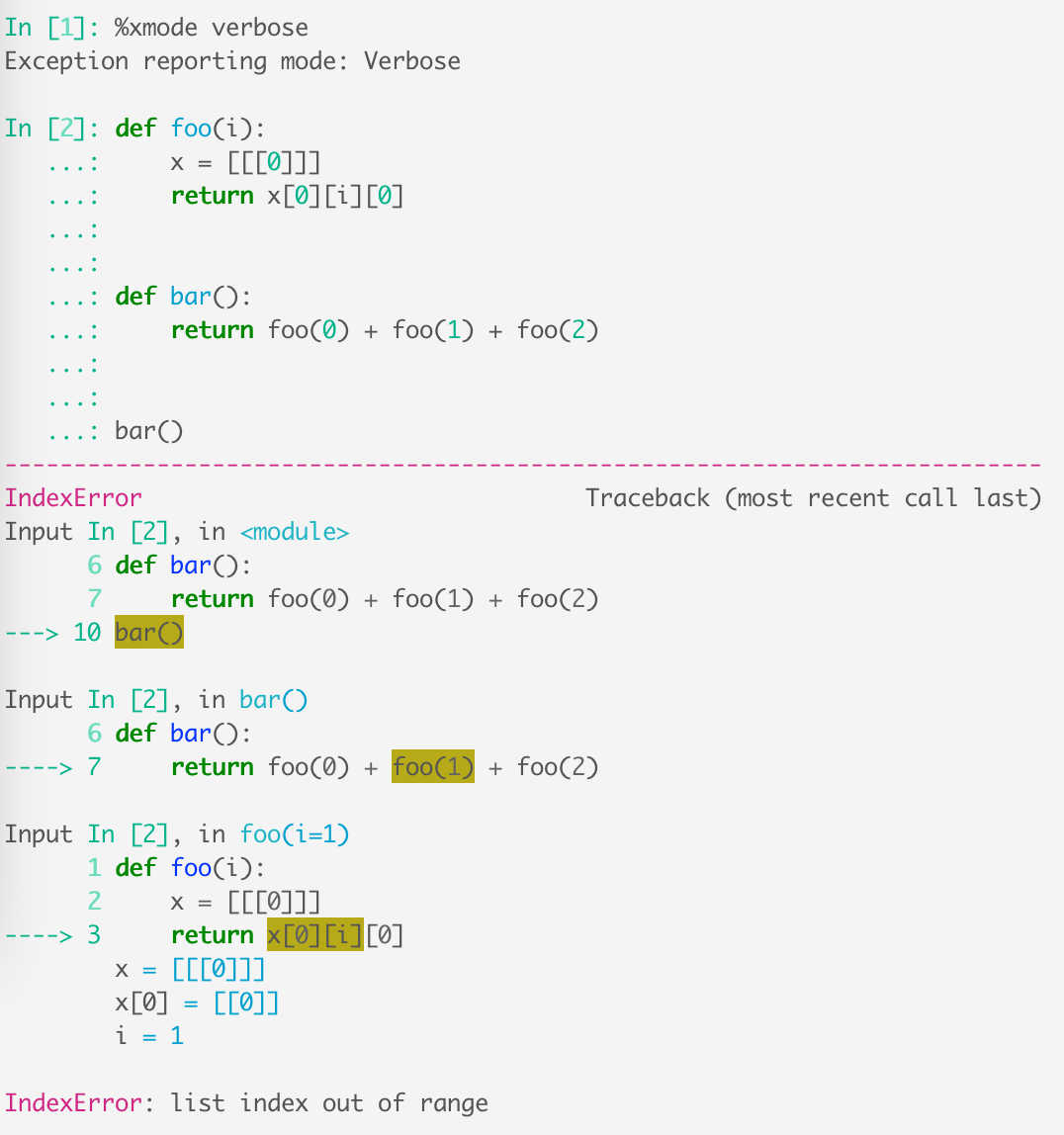
IPython is a powerful Python REPL that gives you tab completion, better tracebacks, multiline editing, and several useful features on top…

All good things (must) come to an end to make way for something better.

If you're doing data science in Python, notebooks are a powerful tool. This free Jupyter Notebooks tutorial has will help you get the best out of Jupyter.
Essential extensions that will boost your productivity in Jupyter Notebook.
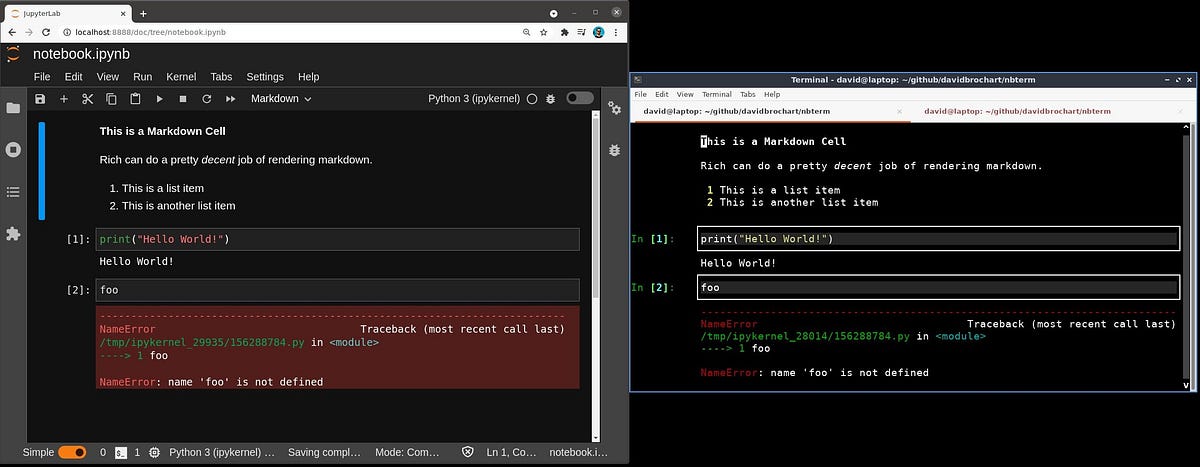
Jupyter notebooks are mostly known for their web-based user interface, such as JupyterLab or the Classic Notebook. They offer a great user…

Not only Jupyter, Google Colab, R Markdown, and much more.

for beginners as well as advanced users

JupyterLab moves closer to becoming a full-fledged IDE with xeus-python.

Introducing a new Jupyter kernel for Robot Framework

Common keyboard shortcuts for notebooks
Hi, conda activate base jupyter notebook Gives me this message: Traceback (most recent call last): File "/home/ics_vr/anaconda3/bin/jupyter-notebook", line 7, in from noteb...
Make your Jupyter Notebook more ‘magical’ with these magic commands
Official gem repository: Ruby kernel for Jupyter/IPython Notebook - SciRuby/iruby

Jupyter Notebook is an open-source web application that lets you create and share interactive code, visualizations, and more. This tool can be used with seve…
Imagine having your Friends Working with your Local Jupyter Notebook in a Remote Machine
This article introduces the easy to use blogging platform fastpages. fastpages relies on Github pages for hosting, and Github Actions to automate the creation of your blog, and contains extra features for Jupyter Notebooks.
By Pier Paolo Ippolito Introduction Jupyter Notebook is nowadays probably the most used environment for solving Machine Learning/Data Science tasks in Python. Jupyter Notebook is a client-server application used for running notebook documents in the...

The Xeus project has been incorporated as a Jupyter subproject.
Collection of notebooks about quantitative finance, with interactive python code. - cantaro86/Financial-Models-Numerical-Methods
Here's how to install PySpark on your computer and get started working with large data sets using Python and PySpark in a Jupyter Notebook.
1.3M subscribers in the Python community. The official Python community for Reddit! Stay up to date with the latest news, packages, and meta…
My Jupyter notebooks installed with python 2 kernel. I do not understand why. I might have messed something up when I did the install. I already have python 3 installed. How can I add it to Jupyter?
Jupyter Notebook is a powerful tool for data analysis. Here are 28 tips, tricks and shortcuts to turn you into a Jupyter notebooks power user!

Creating complex layouts of widgets (button, sliders, maps, graphs etc.) can be cumbersome. New layout templates make this task a breeze.

Today, we are pleased to announce the 1.0 release of JupyterHub. We’ve come a long way since our first release in March, 2015. There are…
Being in the data science domain for quite some years, I have seen good Jupyter notebooks but also a lot of ugly. Notebooks can have the perfect balance between text, code and visualisations but how often do your notebooks rather get messy and incomprehensible after a while? Follow some simple best practices to work more efficiently with your notebooks.

How to get the most from the notebook environment
Edited: Update on 2018-11-23 Added: Table of Content, %debug magic, nbdime for notebook diffing
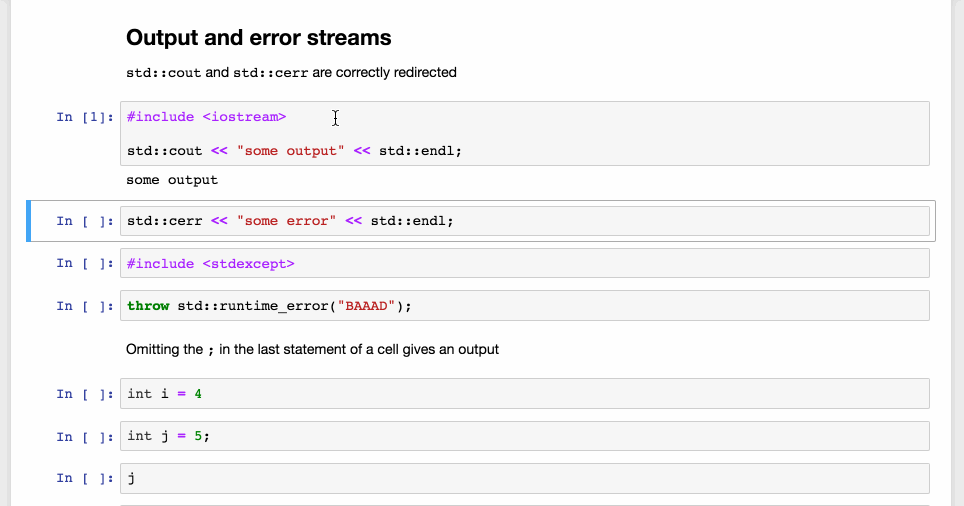
Scientists, educators and engineers not only use programming languages to build software systems, but also in interactive workflows, using…
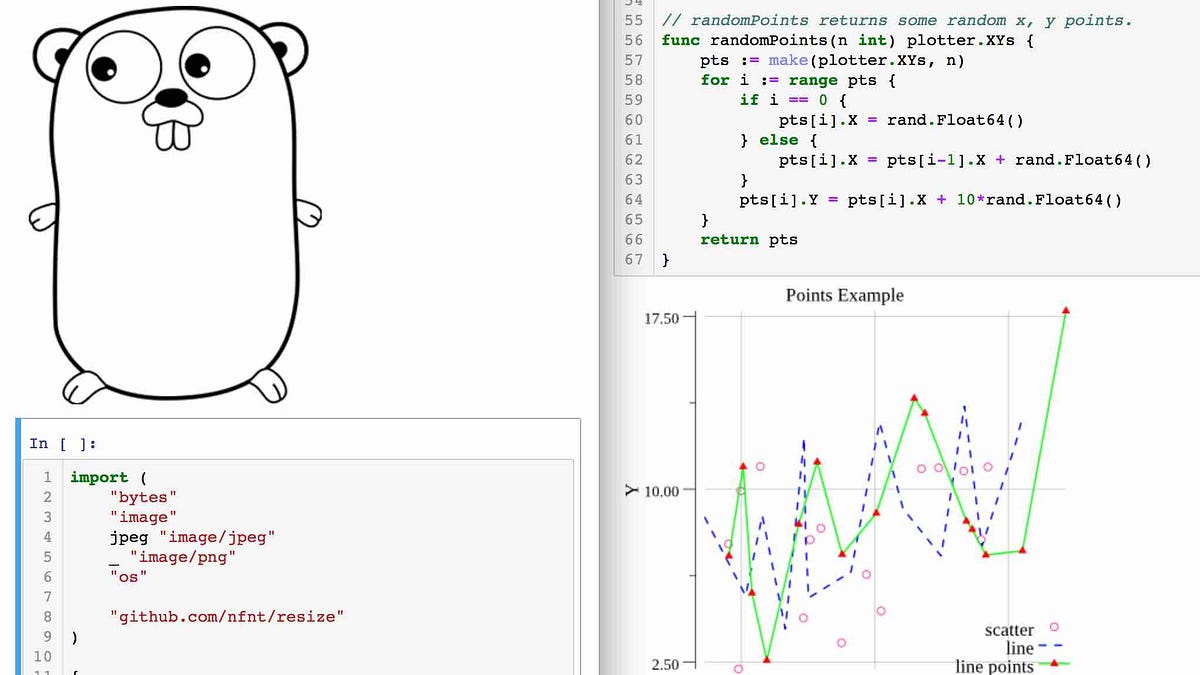
Introduction of a new feature-rich golang Jupyter kernel
Check out these 5 Jupyter notebook extensions to help increase your productivity.
Custom Jupyter Notebook Themes.
Interactive Widgets for the Jupyter Notebook.
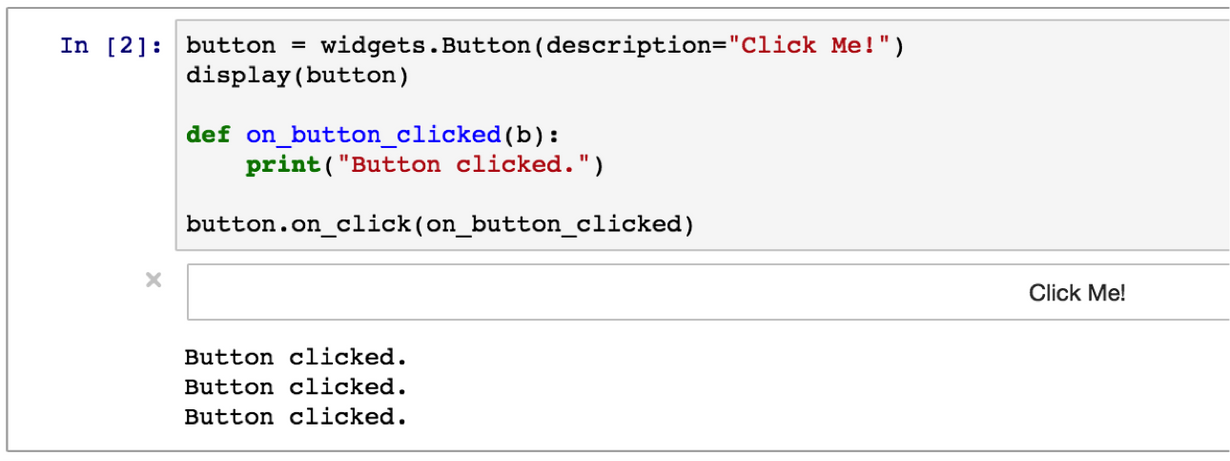
Looking to bring more features into your Jupyter Notebooks? Lean about the powerful features that can be added to enhance business intelligence.