fdisk Cheatsheet
Quick reference for fdisk commands: list disks, create partition tables, add partitions, change partition types, write changes, and quit safely
Quick reference for fdisk commands: list disks, create partition tables, add partitions, change partition types, write changes, and quit safely

This tutorial will guide you through the process of installing and managing the Apache web server on Ubuntu 26.04. You will learn how to install Apache, open HTTP and HTTPS ports in the firewall, and set up virtual hosts.

An important primitive for the new "AI agent era"
How to use sha256sum and md5sum to generate and verify checksums for files, validate ISO downloads, and detect tampering on Linux systems.
Reference for the ufw command on Linux, with examples for enabling the firewall, allowing and denying traffic, deleting rules, and managing application profiles.
Quick reference for querying DNS records and checking name resolution with nslookup
Quick reference for finding open files, processes, ports, and deleted files with lsof in Linux
Watch someone backspace 40 characters instead of pressing CTRL+W, and you’ll understand why this list exists. A collection of shell tricks-grouped by what works everywhere and what’s Bash/Zsh-speci...
Understand the difference between apt and apt-get in Debian and Ubuntu. When to use each tool, how the commands map to each other, and which one belongs in your scripts.

The comm utility lets you find which lines are unique to one file or another, and which lines are common to both.
Create a systemd service file in Linux with step-by-step instructions for unit file structure, service types, restart policies, and service management with systemctl.
Quick reference for switching users and running commands with su in Linux
Quick reference for building commands from standard input with xargs in Linux
Quick reference for navigating, searching, and controlling output with the less pager in Linux
journalctl queries the systemd journal and lets you filter logs by unit, time, priority, boot, and process. This guide covers the most useful journalctl options with practical examples.
The /etc/fstab file defines how filesystems and storage devices are mounted at boot. This guide explains the fstab format, field meanings, mount options, and how to add new entries safely.
Quick reference for using ip command to manage addresses, routes, links, and network diagnostics in Linux
Quick reference for managing firewall rules with UFW on Linux
Quick reference for changing file and directory permissions with chmod in Linux
Quick reference for secure file transfer with scp over SSH
Quick reference for downloading files and mirroring websites with wget
Quick reference for creating, listing, extracting, and compressing tar archives in Linux
Quick reference for GNU Screen sessions, windows, detach/attach, and common key bindings
This guide explains how to parse command-line options in Bash with getopts, including option strings, OPTARG and OPTIND, error handling, and practical script examples.
Quick reference for the grep text search command

Learn how to harden your SSH server with best practices including key-only authentication, disabling root login, changing the default port, and setting up Fail2Ban.
Positional parameters are Bash variables that hold arguments passed to a script or function. Learn how to use $1, $2, $@, $#, and the shift command in Bash.
Quick reference for SSH commands and configuration
Learn how to generate SSH keys on Linux using ssh-keygen, copy them to remote servers, and set up passwordless authentication.
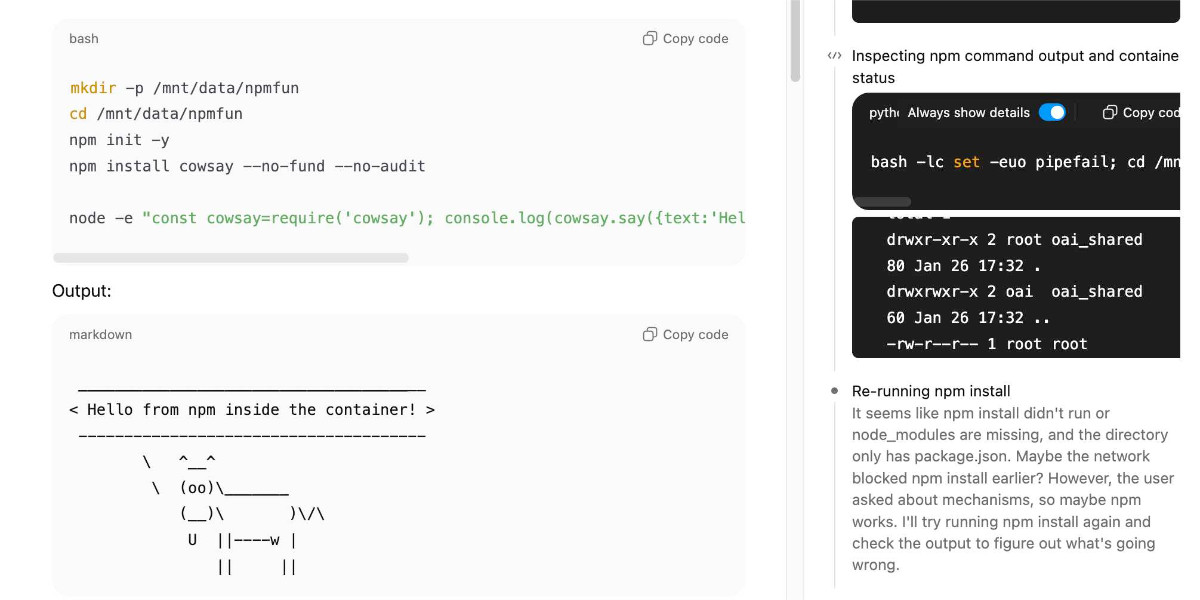
One of my favourite features of ChatGPT is its ability to write and execute code in a container. This feature launched as ChatGPT Code Interpreter nearly three years ago, was …

Interactive Linux kernel source code browser with guided learning paths.

A detailed walkthrough of the Linux boot process from power button to kernel initialization
Right after reset the CPU jumps to a special address called the reset vector at 0xFFFFFFF0
it finds a disk whose very first 512‑byte sector ends with the marker bytes 0x55 and 0xAA, it treats that device as bootable. BIOS copies that sector to memory at 0x7C00 and jumps there.

Another one of our simple, hands-on pen-testing tutorials. This one teaches you to finger a website for status code, server info, CMS etc.
Imagine you’re curious about what powers a website: the CMS, web server, frameworks, analytics tools, or plugins behind it. WhatWeb can tell you all that right from the Linux command line. It’s like getting a quick peek under the hood of any site.
Programming notes for Unreal Engine, Houdini, Game Development, Math, & Graphics
Take Your Linux Automation Beyond Cron
tmux is an excellent productivity tool for pro Linux users who love the terminal. It certainly has a learning curve involved though.
Master systemd the practical way—one lab at a time.
The universal packaging system from Fedora is popular among developers and desktop Linux users.
Let's iterate through the loops.

As a Flutter developer building a Linux desktop app, I recently wanted my app to support a custom file format — let’s call it .maso. My goal was simple: In this post, I’ll walk you through how to set…

Struggling with regex? This simple cheatsheet breaks down common patterns, symbols, and examples you can use right away.
Learn AWK basics for Linux sysadmins. Master field extraction, built-in variables, and pattern-action syntax with real log analysis examples.

This tutorial explains why Flatpak apps use so much disk space and are larger in size compared to traditional packages in Linux.
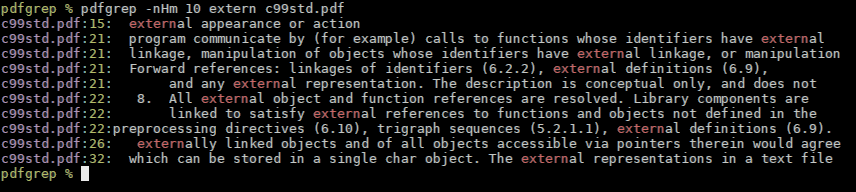

These manuals go large.
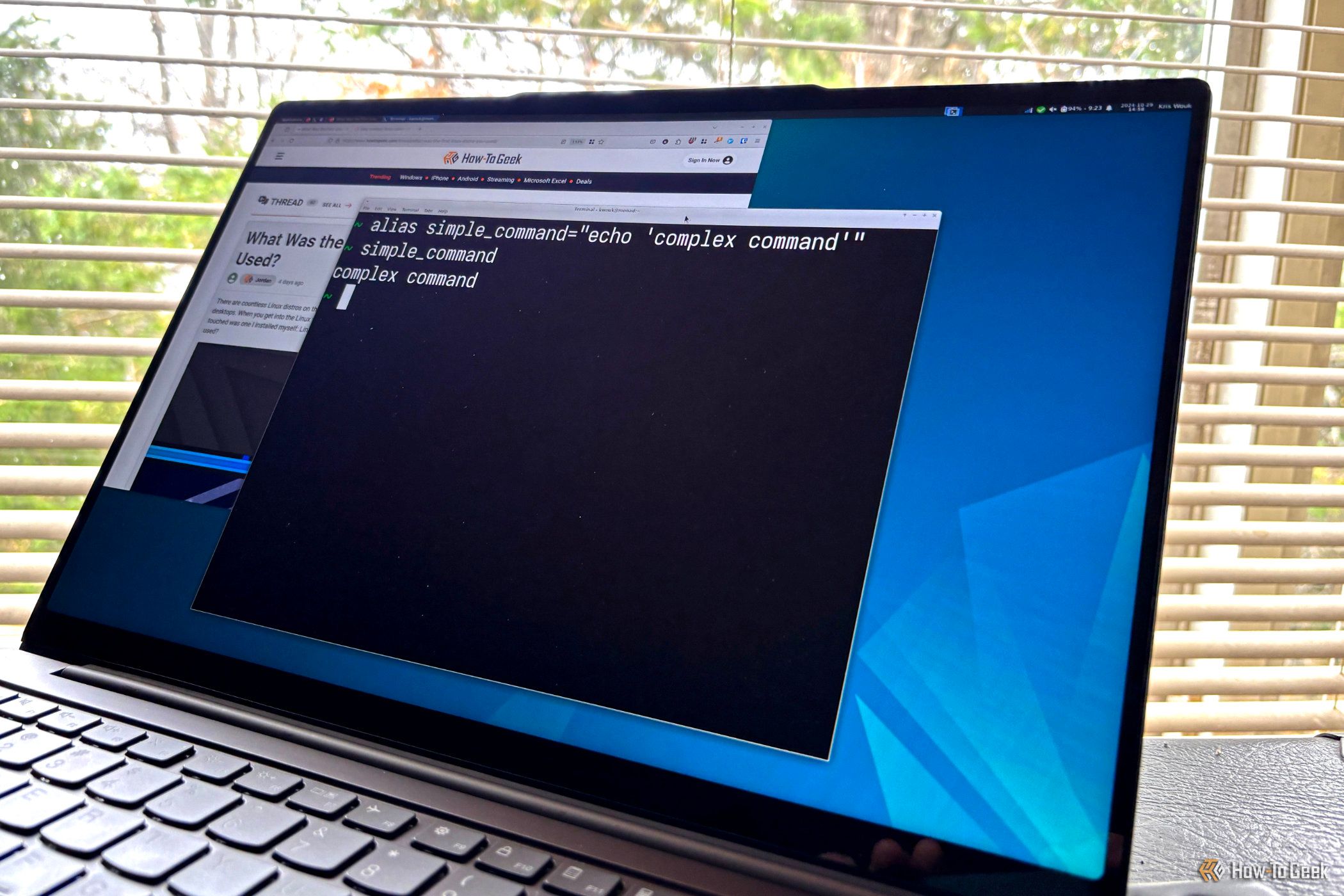
FFmpeg is way cooler than it sounds.
Let's first not talk about why this can happen, but deleting /lib, /usr/lib, or some other essential runtime files happens quite a lot (as you can see: here, here, here, and here). In this post, I will only discuss what happens when you delete /lib on Linux and how to recover…
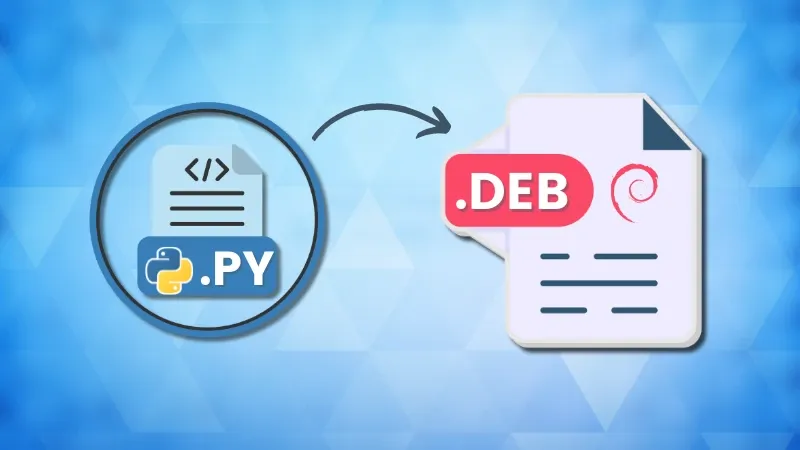
I am sharing how I packaged my python application into an executable .deb package in this tutorial.

In this tutorial, we’ll cover 10 essential Bash shell commands every data scientist should know—commands that save time, simplify tasks, and keep you focused on insights rather than busywork.