Claude Code Cheatsheet
Quick reference for Claude Code in the terminal: session flags, print mode for scripts, slash commands, keyboard shortcuts, permission rules, MCP servers, …
Quick reference for Claude Code in the terminal: session flags, print mode for scripts, slash commands, keyboard shortcuts, permission rules, MCP servers, …
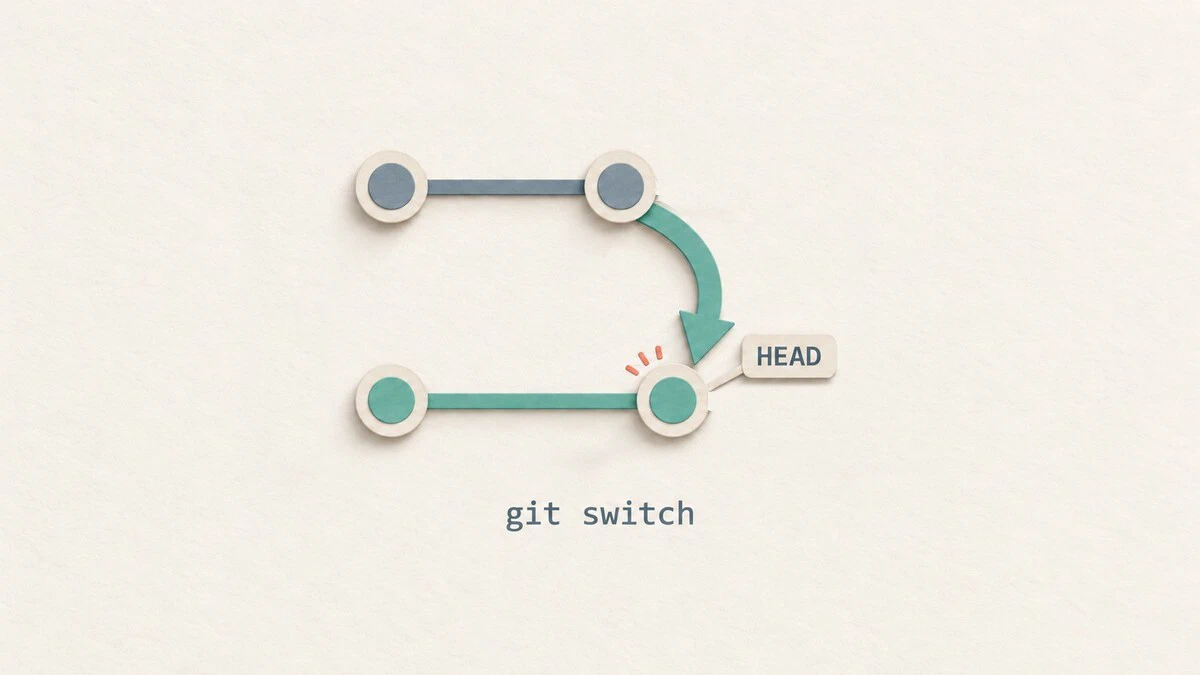
Switch Git branches, create new branches, track remote branches, and handle uncommitted changes with practical git switch examples.
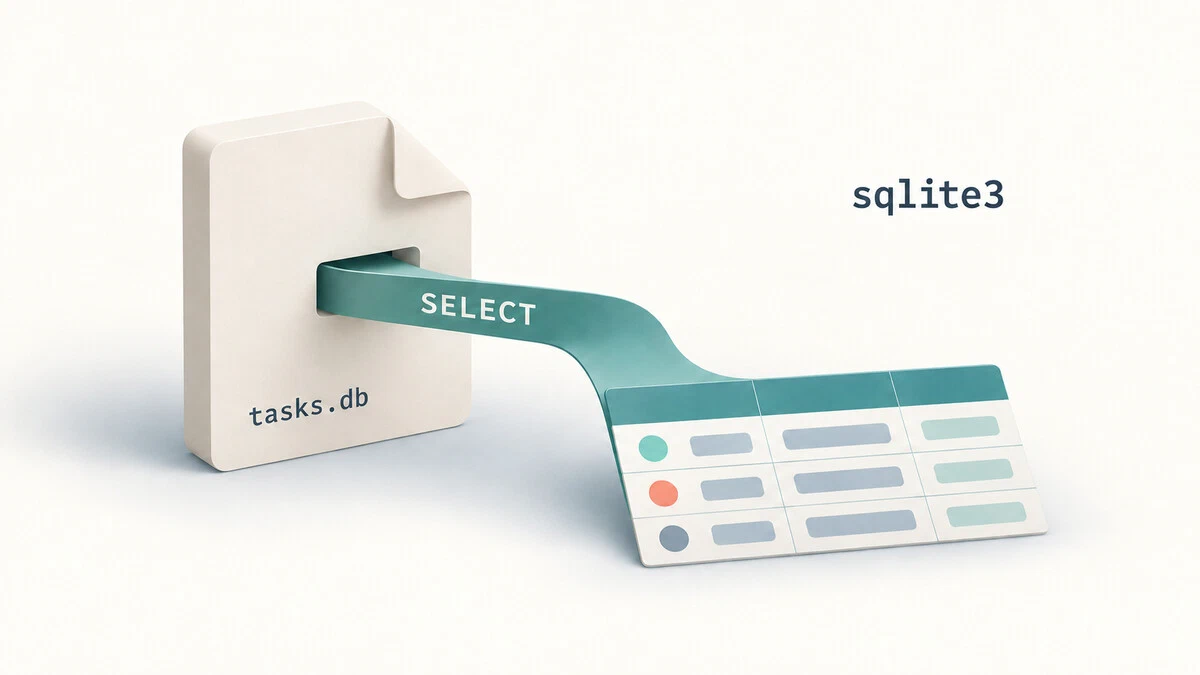
Create and query SQLite databases with sqlite3 on Linux. Import CSV files, format query results, and back up or restore your data.
gh at a glance: authentication, repositories, pull requests, issues, GitHub Actions runs and secrets, releases, search, extensions, and the API.
sudo at a glance: running commands as root, credential caching, environment handling, sudoers rule syntax, aliases, Defaults, and logging.
Keep essential ffmpeg commands close at hand, from stream inspection and lossless remuxing to CRF encoding, filters, subtitles, and GPU acceleration.
Install AWS CLI version 2 on Linux, authenticate with aws login or IAM Identity Center, manage profiles, and verify access to your AWS account.
Use GitHub CLI to create and clone repositories, manage pull requests and issues, inspect workflow runs, publish releases, and call the GitHub API.
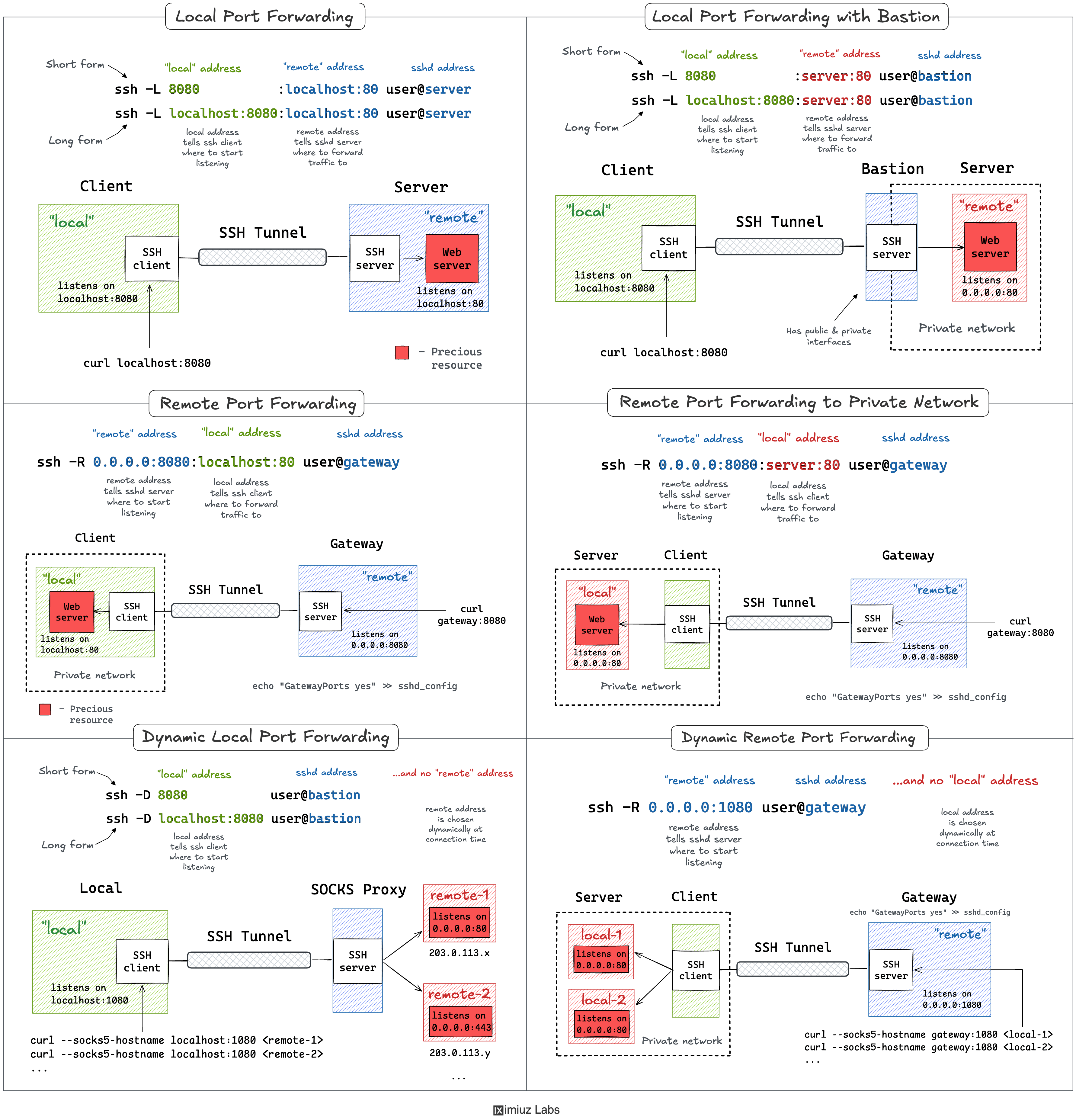
SSH port forwarding explained in a clean and visual way. How to use local and remote port forwarding. What sshd settings may need to be adjusted. How to memorize the right flags.
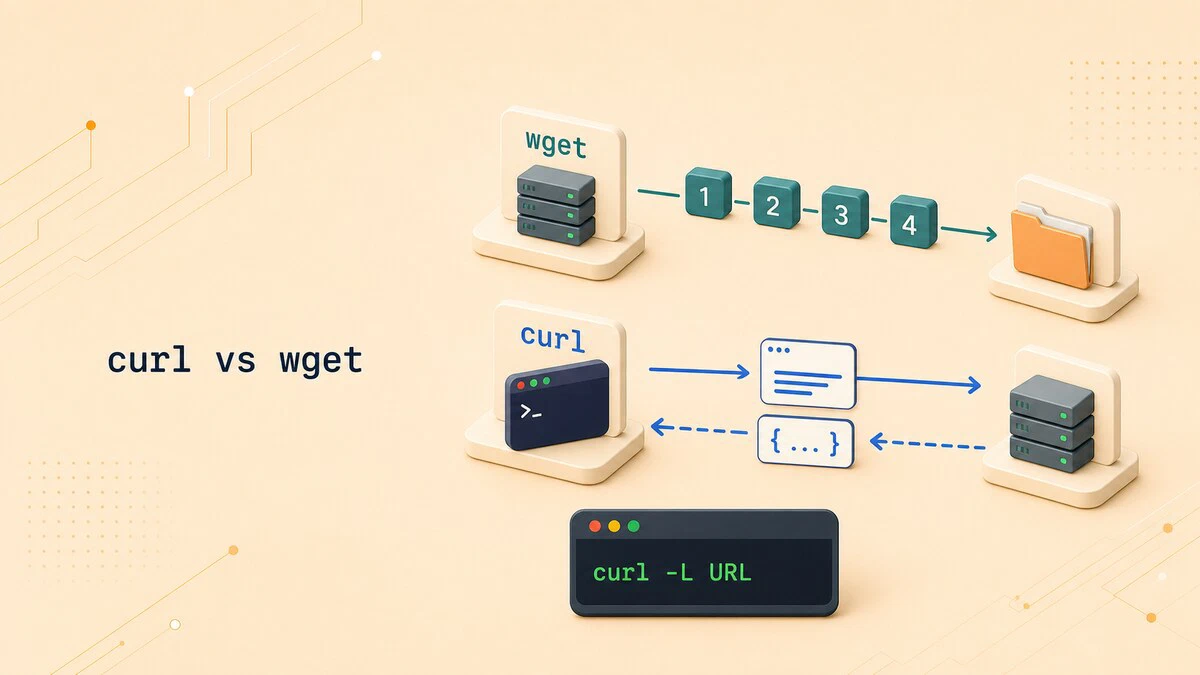
Compare curl vs wget defaults, protocols, redirects, recursive downloads, API requests, and resume options to choose the right command for each task.
The most visible difference is the default output. wget saves the response to a file, while curl writes it to standard output.

Practical Bash array operations for checking length, finding values, slicing, reversing, iterating, appending, prepending, and removing elements.

Practical OpenSSL guide for Linux: generate private keys, create CSRs and self-signed certificates, convert formats, inspect certificates, and test TLS connections.
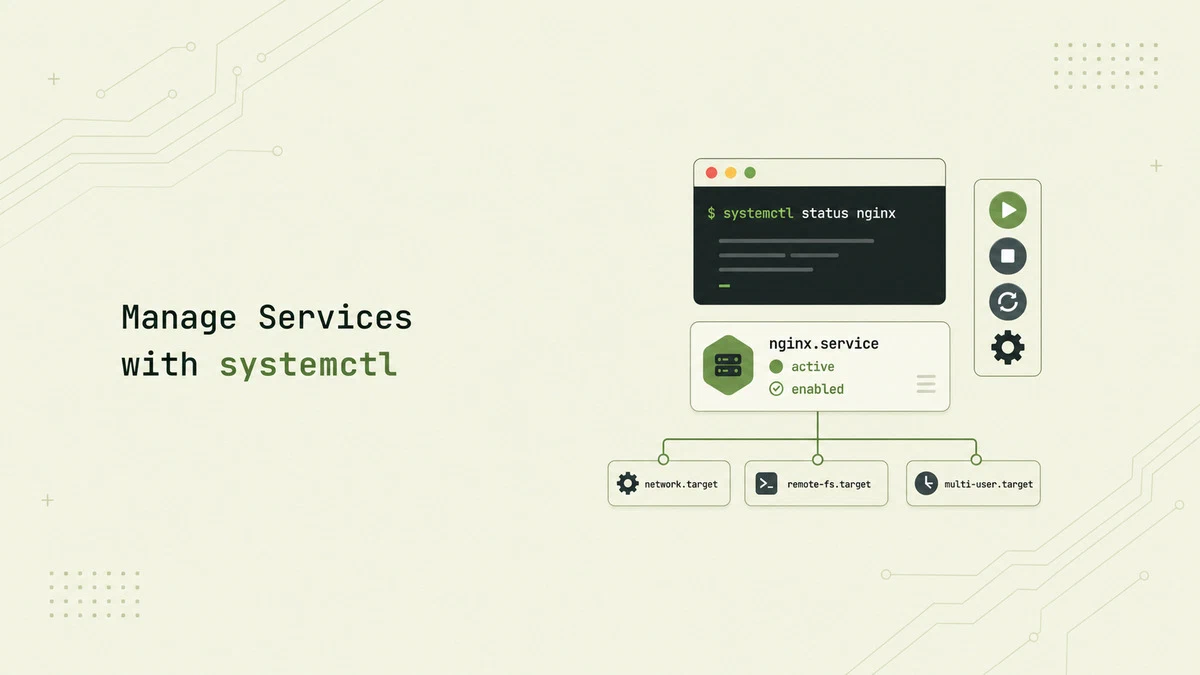
Manage services on systemd-based Linux distributions with systemctl. This guide explains how to start, stop, restart, enable, and disable services, reload unit files, and inspect service status.
Practical Bash best practices for writing safer and more predictable scripts, covering strict mode, quoting, error handling, and everyday patterns.

Software engineers are, if not unique, then darn near unique in the ease with which we can create tools to improve our own professional lives; this however can …
The git branch command creates, lists, renames, and deletes Git branches. This guide explains the full command reference with practical examples for local and remote branches, merged filters, and tracking upstream branches.
Watch someone backspace 40 characters instead of pressing CTRL+W, and you’ll understand why this list exists. A collection of shell tricks-grouped by what works everywhere and what’s Bash/Zsh-speci...
Understand the difference between apt and apt-get in Debian and Ubuntu. When to use each tool, how the commands map to each other, and which one belongs in your scripts.
Create a systemd service file in Linux with step-by-step instructions for unit file structure, service types, restart policies, and service management with systemctl.
Quick reference for switching users and running commands with su in Linux
Quick reference for navigating, searching, and controlling output with the less pager in Linux

Quick note before you jump in:
Quick reference for secure file transfer with scp over SSH
Quick reference for creating, listing, extracting, and compressing tar archives in Linux
Positional parameters are Bash variables that hold arguments passed to a script or function. Learn how to use $1, $2, $@, $#, and the shift command in Bash.
Learn how to generate SSH keys on Linux using ssh-keygen, copy them to remote servers, and set up passwordless authentication.

Created with Gemini
Ghostty is a fast, feature-rich, and cross-platform terminal emulator that uses platform-native UI and GPU acceleration.

Another one of our simple, hands-on pen-testing tutorials. This one teaches you to finger a website for status code, server info, CMS etc.
Imagine you’re curious about what powers a website: the CMS, web server, frameworks, analytics tools, or plugins behind it. WhatWeb can tell you all that right from the Linux command line. It’s like getting a quick peek under the hood of any site.

Fast and practical guide to using the httpx tool for web reconnaissance, probing, filtering, and fuzzing with real-world examples.
Semantic search and document parsing tools for the command line - run-llama/semtools
Note: (venv) bjpcjp@Sword15-A12UE:~/projects$ cargo install semtools Updating crates.io index error: failed to download `semtools v1.2.1` Caused by: unable to get packages from source Caused by: failed to download replaced source registry `crates-io` Caused by: failed to parse manifest at `/home/bjpcjp/.cargo/registry/src/index.crates.io-6f17d22bba15001f/semtools-1.2.1/Cargo.toml` Caused by: feature…
tmux is an excellent productivity tool for pro Linux users who love the terminal. It certainly has a learning curve involved though.

Turn your terminal into an AI coding assistant with Gemini CLI and learn how to use it like a pro in minutes.
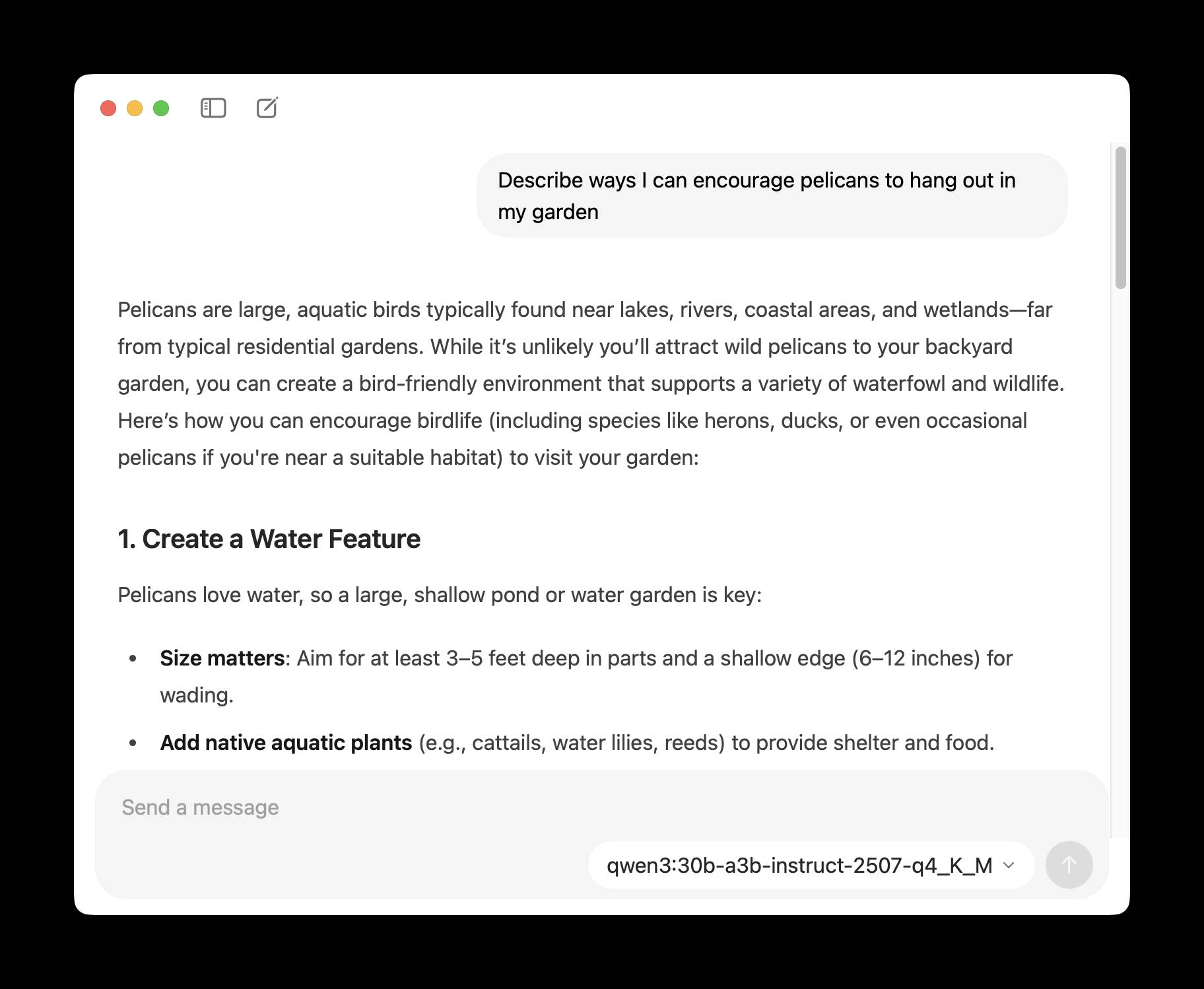
Ollama has been one of my favorite ways to run local models for a while - it makes it really easy to download models, and it's smart about keeping them …

Your complete playbook for transforming how you research with AI's most powerful search engine
Coders' Colaboratory mini-hackathon on `llm` by simonw - llm-hackathon.md
Christopher Smith ran a mini hackathon in Albany New York at the weekend around uses of my LLM - the first in-person event I'm aware of dedicated to that project! …
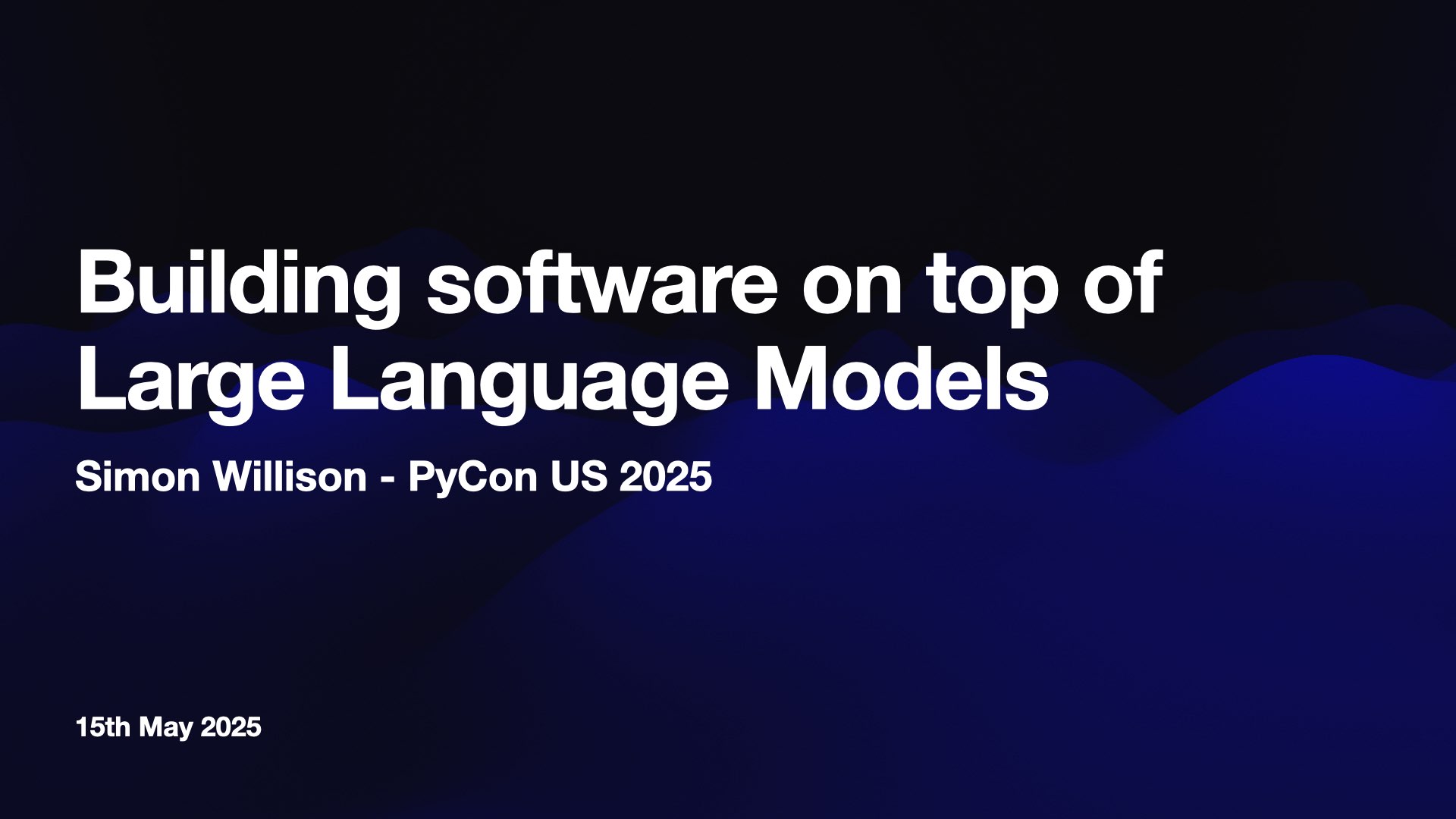
I presented a three hour workshop at PyCon US yesterday titled Building software on top of Large Language Models. The goal of the workshop was to give participants everything they …
An open-source AI agent that brings the power of Gemini directly into your terminal. - google-gemini/gemini-cli

LLM 0.26 is out with the biggest new feature since I started the project: support for tools. You can now use the LLM CLI tool—and Python library—to grant LLMs from …
Introduction In this post, I want to introduce Mark, a simple CLI tool that uses Markdown and its syntax to interact naturally with the GPT4-vision/GPT4o models.
⬛️ CLI tool for saving complete web pages as a single HTML file - Y2Z/monolith
Command line csv viewer.
📖 A collection of pure bash alternatives to external processes. - dylanaraps/pure-bash-bible
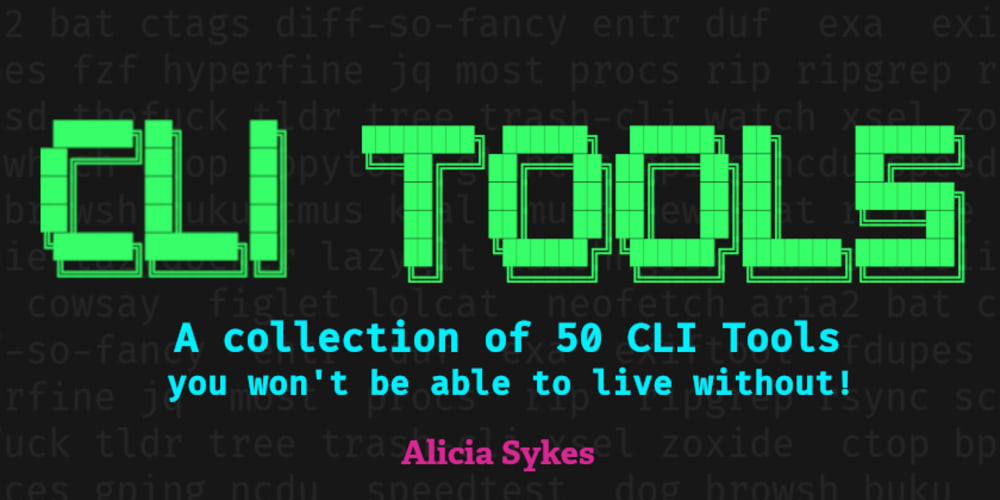
A list of 50 command line tools, which you should definitely check out!
A command line tool that draw plots on the terminal. - red-data-tools/YouPlot
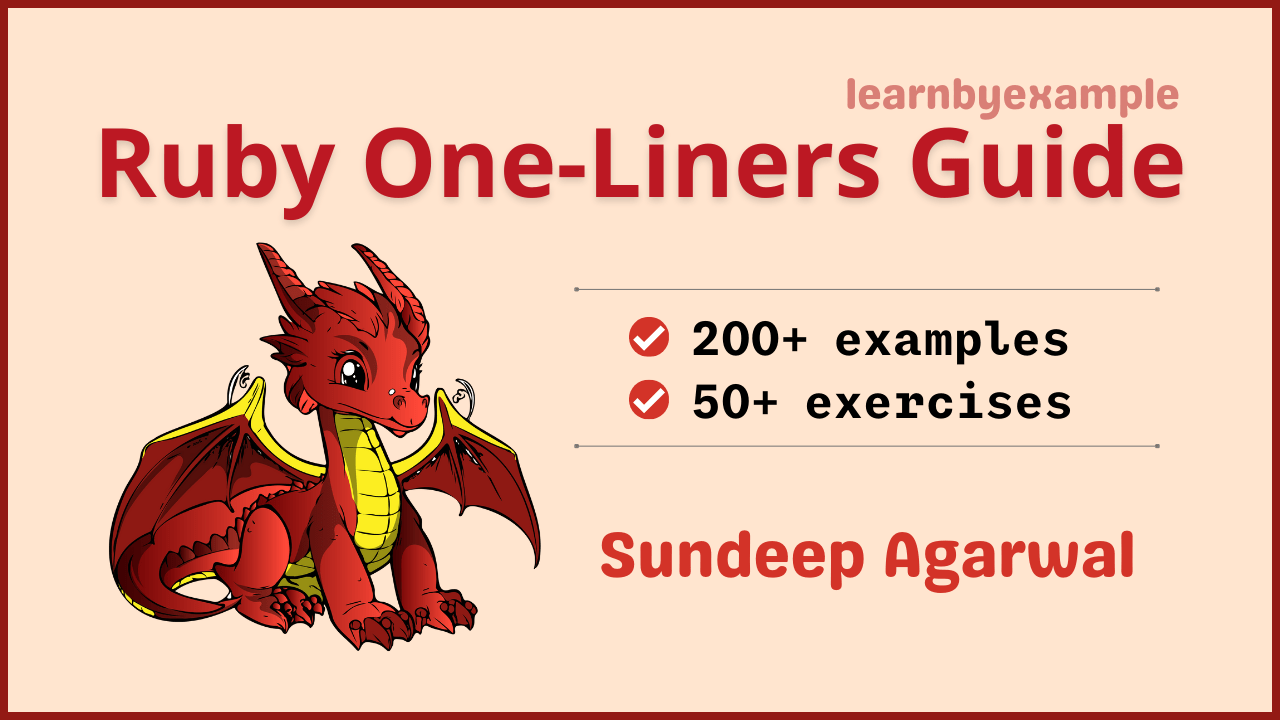
Example based guide for text processing with Ruby from the command line